Time & events
How to check the day: find the Calendar in the menu
Open the in-game menu you use for quests, inventory and songs, then cycle to the Calendar. Creator Callie gives this route in response to a player asking how to check the current day of the week. You do not need to infer it from an NPC’s location first.
On this page
Find the calendar through the existing menu
- Open your normal quests, inventory and songs menu.
- Cycle through its pages until you reach Calendar.
- Read the date or day information shown there, then compare it with the event or quest you are checking.
Check which day the calendar is showing
Callie believes the current day is highlighted or selected by default. The reply does not verify that behaviour for every version, so treat it as something to check on your screen. If you have selected another date, do not assume that entry identifies the current day. Keep the displayed date and the quest’s stated date together when asking for help.
Calendar access and a paused clock are different questions
This answer locates the menu page. It does not establish a keyboard shortcut, a controller binding, weekday names or a complete class timetable. If your actual problem is that an event is waiting while the clock is paused, use the separate time and event-puck explanation. For the specific Summer 13 exit problem, check the walking-bridge answer rather than treating calendar access as its repair.
Watch the game
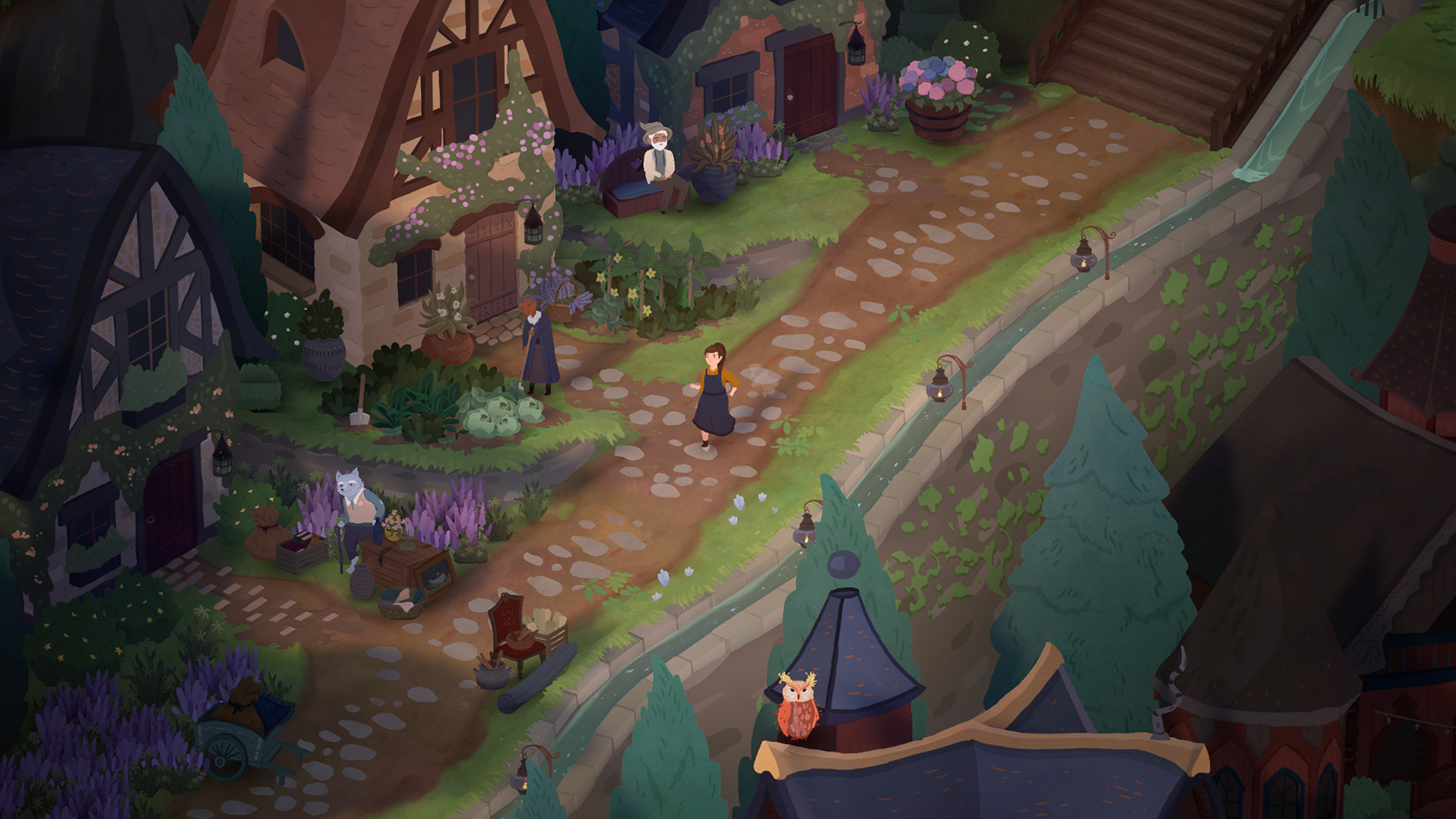
Songs of Glimmerwick — official gameplay trailer
See the flute, garden and academy in motion. This official overview introduces the game; the written guides distinguish release-week reports from older demo inputs.
Explore flute and spell guides →Sources & version
Creator reply to a current calendar question; no own-save UI test. Source dates are noted below; new evidence checked October 21, 2026.
- Callie: reply about checking the current day ↗ — Question and creator reply both displayed as two days old; expanded and read October 21, 2026. The menu route is stated directly; the highlight/default selection is explicitly tentative. Not our own gameplay or a transcript claim.